
Just started the game and downloaded the images, they all appear fine in the gallery and even when looking at the different versions but when i click on some of them, the image doesnt load and gives me the small broken icon instead. No idea what to do or how to reset this.
Ive tried uninstalling and downloading again but it saves all my info and gallery information.
not a windows security issue since i whitelisted the folder.
Most characters are broken but some work great.
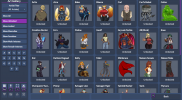
images load fine in gallery view and in the file explorer
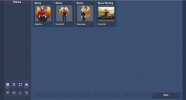
also good in overview
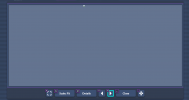
broken on inspection
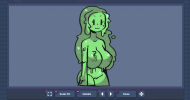
some characters work fine
Im on the most recent free version 9.144
windows 10 , low specs
Ive tried uninstalling and downloading again but it saves all my info and gallery information.
not a windows security issue since i whitelisted the folder.
Most characters are broken but some work great.
images load fine in gallery view and in the file explorer
also good in overview
broken on inspection
some characters work fine
Im on the most recent free version 9.144
windows 10 , low specs
